



Choose Google Chrome's update channel
The Internet browser by Google follows three parallel development processes. On one hand, we will find the stable versions, that are slowly updated with improvements and innovations that are quickly tested and checked so that they don't affect the system's stability.
Choose your Google Chrome update channel
After this, we have the betas, that include many improvements, but don't guarantee stability and security, so it is only advisable to use them to perform tests, even though a lot of people prefer to sacrifice some of the application's stability in exchange to enjoy more innovations.
And finally, we can find the versions for developers, that are very unstable, which include all kinds of innovating features and improvements, many of which aren't even included in the final versions of the application.
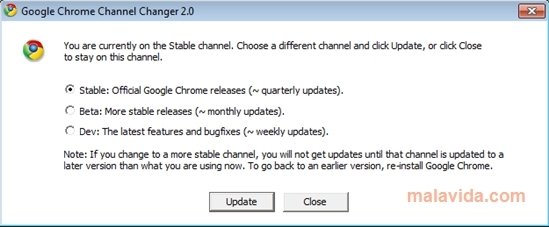
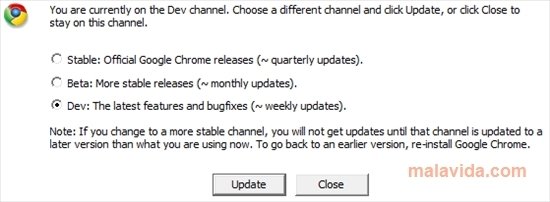
Google Chrome Channel Chooser is a small utility launched by Google that allows us to choose the development channel that we want for our browser, regardless of the version that we have installed. Thus, if we have a stable version and we choose “beta channel” when a new beta is launched our browser will automatically update to it. And vice-versa, if we decide that we need a stable version instead of the beta, all we have to do is choose that option.
A simple and small tool with which we'll be able to play around with the different versions of Google Chrome.
 Leticia Sorivella
My name is Leticia. I really like movies, television, and music. That is why I studied Audiovisual Communication. In the beginning, I wanted to work in movies, but I ended up on television. Then, I went from being behind the cameras to being in...

Antony Peel